Driving Mastery
Capture the Perfect Image
To get the cleanest and most accurate AI-generated diagrams, follow these best practices when capturing your road screenshots or satellite images.
- Use High-Resolution Images
- Choose sharp, detailed images — the clearer the texture, the cleaner the diagram.
- Keep the Area Centered
- Ensure your intersection or layout is centered and captured from a top-down angle.
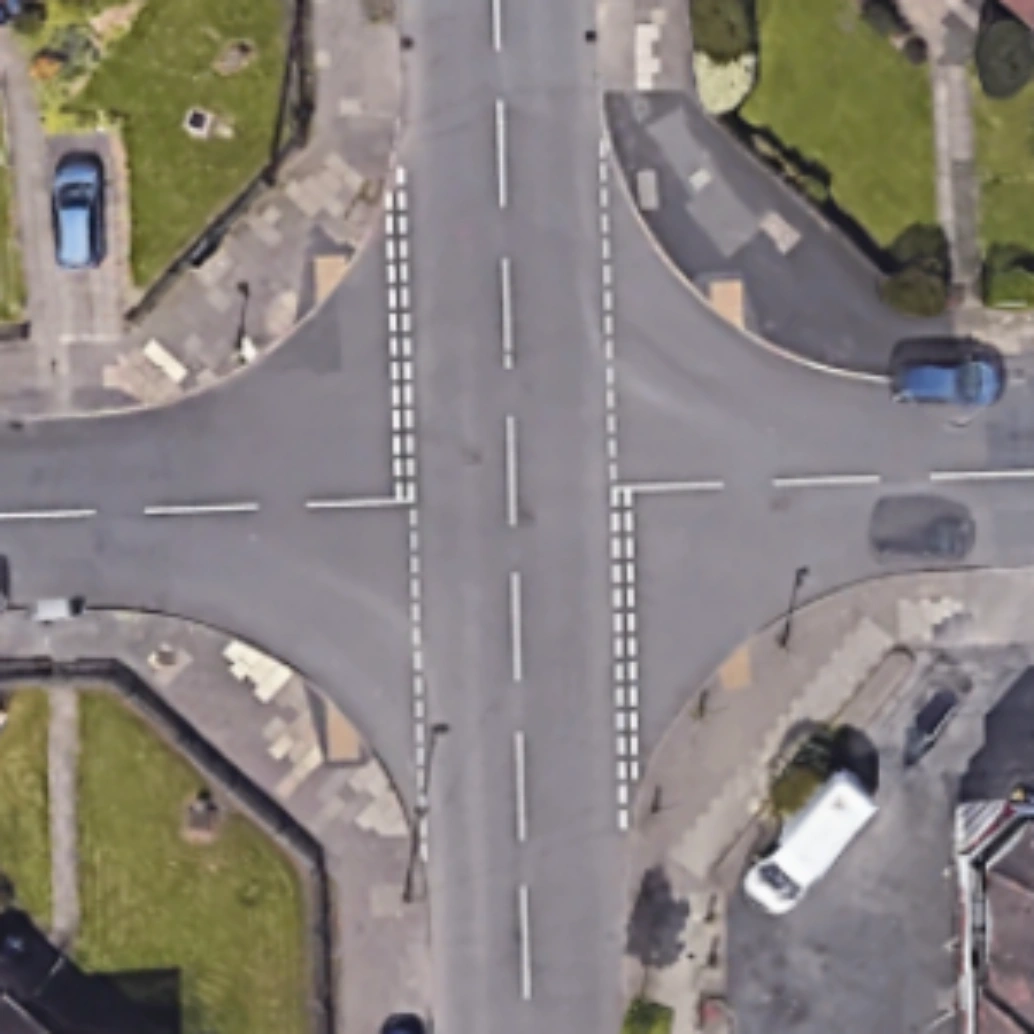 Good
Good
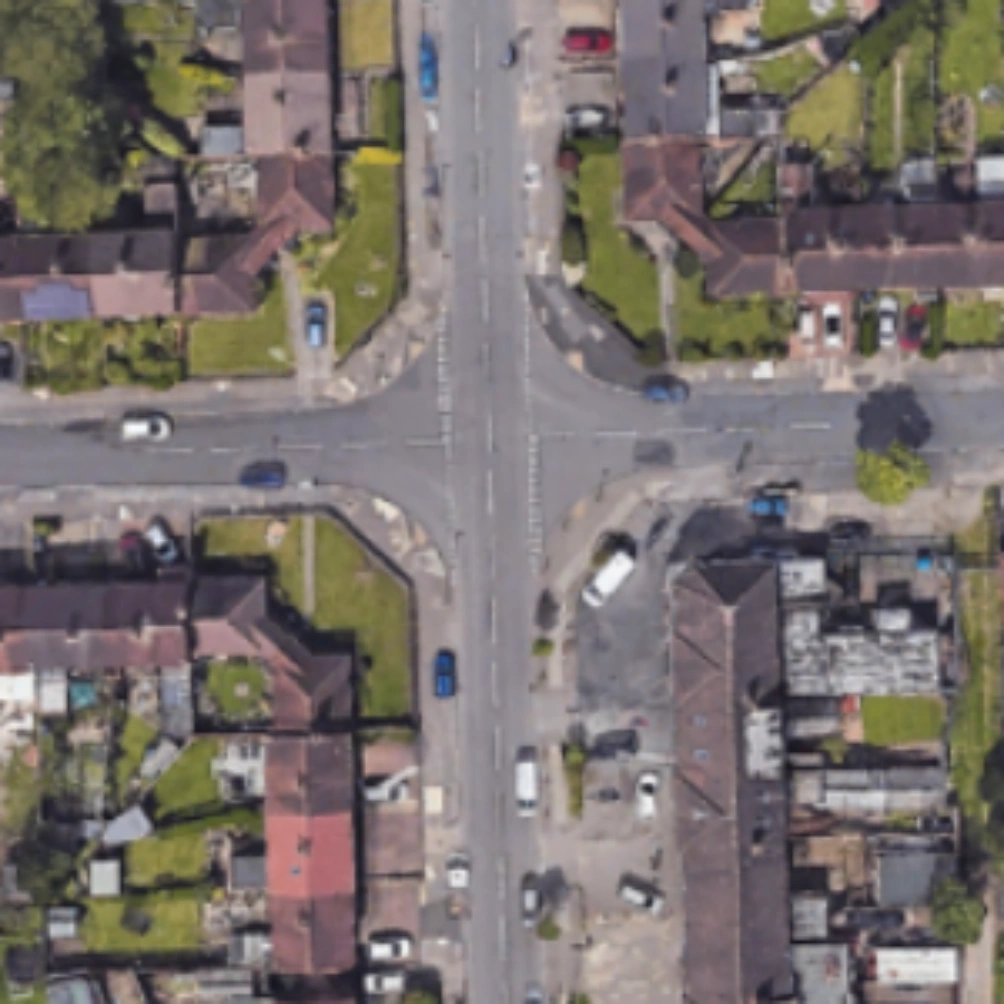 Bad
Bad
The best results come from clear, top-down views with minimal clutter and maximum sharpness.

Google Earth
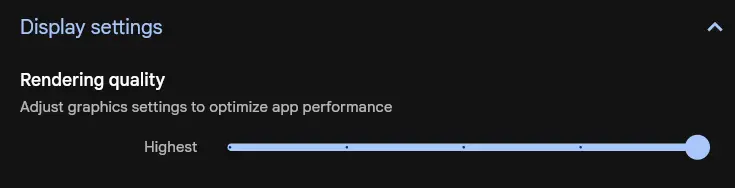
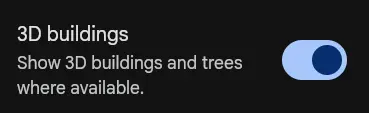
Google Earth provides the cleanest and sharpest satellite captures for your diagrams. Here’s how to configure it for the best possible output:
- Open Settings → Rendering Quality and select Highest.
- Enable 3D Buildings — this removes most vehicles and street clutter.
- Adjust to a perfect top-down 90° view for optimal perspective.

Google Maps
Google Maps works well too — with just a few simple adjustments, you can capture clear, high-quality images ready for AI diagram generation.
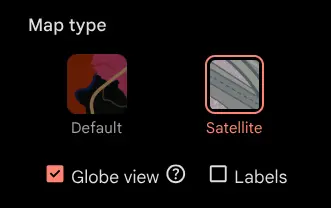
- Switch to Satellite View.
- Enable Globe View.
- Disable Labels for a clean image.
Choose Between 2D and 3D Modes
Before generating a diagram, select the mode that matches your image’s perspective. This ensures the AI interprets roads and angles correctly.
- 2D Mode — for top-down satellite or map views. Ideal for intersections, layouts, and planning aerial perspectives.
- 3D Mode — for tilted or Street View–style images, when the camera isn’t directly above. Best for on-street scenes or perspective-based visuals.
- Toggle between modes on the upload page. The chosen mode adjusts how the AI processes depth and geometry.
Use 2D for aerial screenshots and 3D for Street View or angled captures.
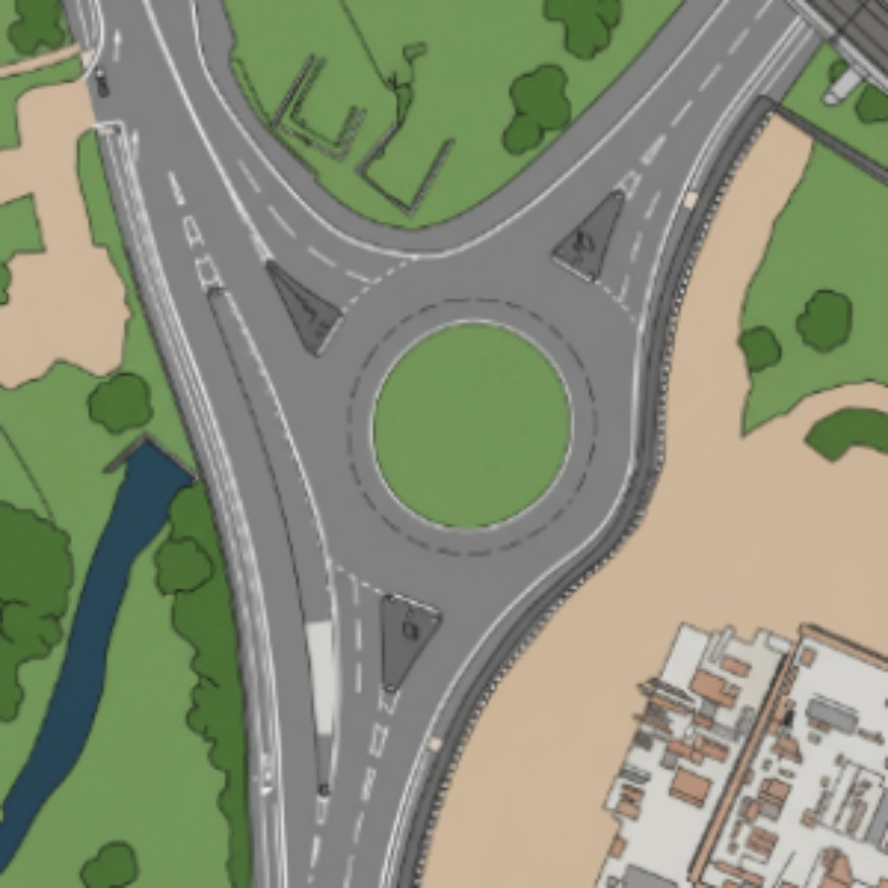 2D Mode
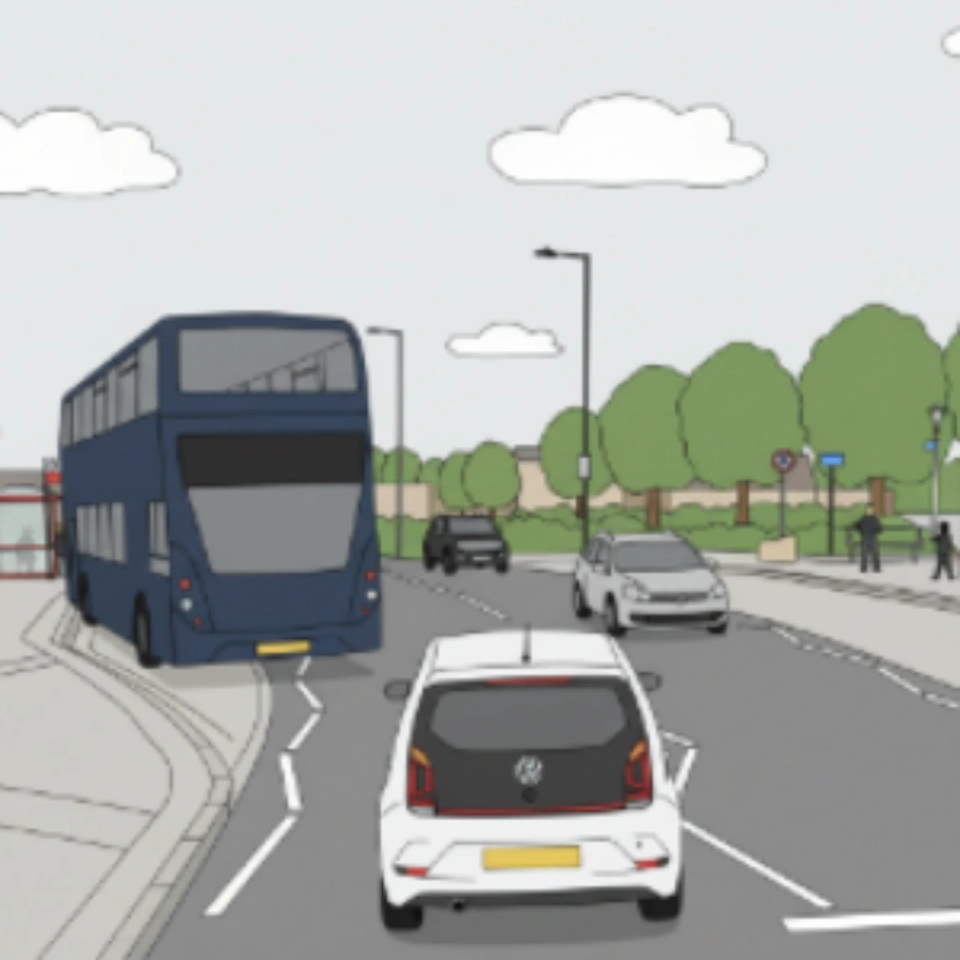 3D Mode
The correct mode helps the AI understand your image’s depth and perspective — leading to more accurate diagrams.